You could do. I’ve got something similar set up for merchants, if I spend at a place I’ve used before, it will add it to the list, if I haven’t been there before, it gets added to the bottom of the list. Which is basically what you’re looking for but in pot format.
I’m not sure I 100% understand this formula because I had to google and then adapt, but…
You need a index match along with a countif, so that if it already exists, >0, it isn’t added.
My way really isn’t that tidy as I have a few helper columns to get there where it can definitely be made neater.
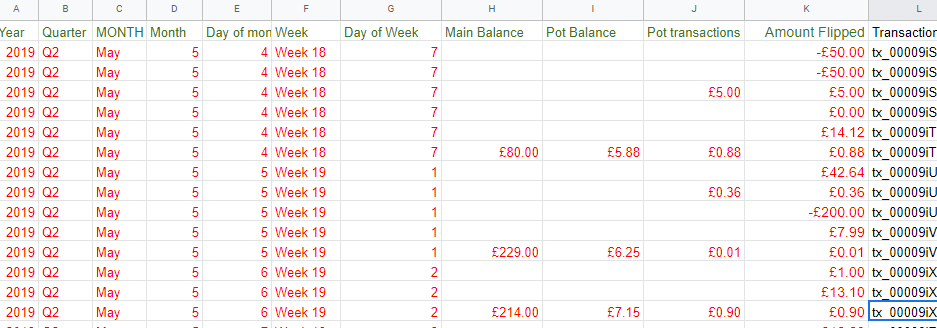
I have copied my data out so these probably won’t line up like you’d expect…
This will get the name of the merchant if I’m using my card. You could just adjust this to look at pots.
=if(Input!C:C=“Card payment”,Input!D:D,“”)
And then because I only care about 2020
=IF(Input!J3=“2020”,E3,“”)
And then it gets more complex. As they can be rows and rows apart, this condenses them
=IF(ROWS(F$2:F2)>COUNTA(F:F),“”,INDEX(F:F,SMALL(IF(F$2:F$10000<>“”,ROW(F$2:F$10000)),ROWS(F$2:F2))))
and then the final stage
=INDEX(Helper!$G$2:$G$5000, MATCH(0,COUNTIF($B$1:B2,Helper!$G$2:$G$5000), 0))