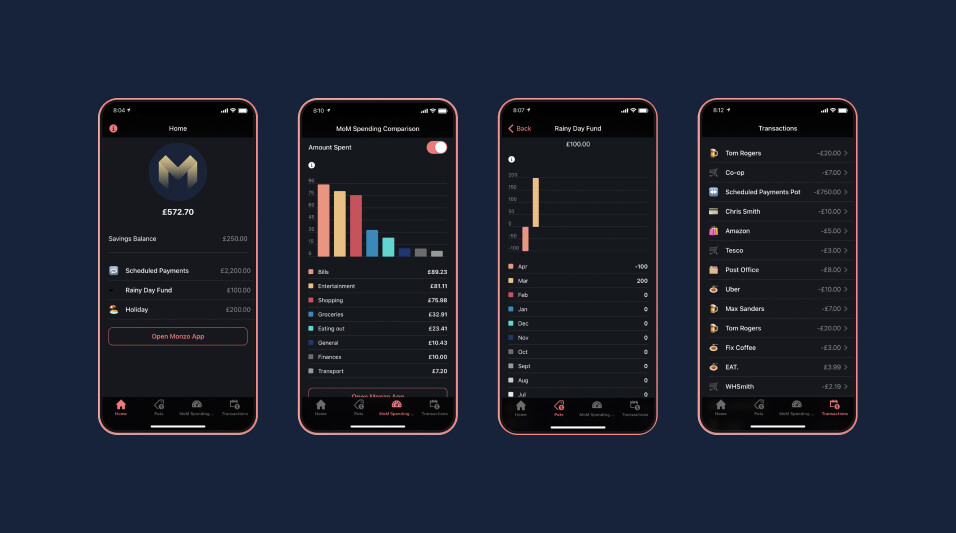
I’ve created a free app using Glide Apps that’s designed to be used with the data from your Monzo Plus / Premium Google Sheets transaction feed. It’s a web app that’s designed for mobile so you download it from a link, not the app stores. Hopefully it’ll give you a better sense of how you’re managing your money and help you to reach your financial goals.
Have you selected the chart component in the left hand sidebar before applying your filter?
There’s 2 charts in that sidebar, have you updated the filter for the right one? The second chart in the list is the one that shows how much you’ve spent on each category this month (visible when the Amount Spent toggle is on), the first shows the % difference in your spending (Amount Spent toggle is off)
Have you chosen “and” as your filter logic, rather than “or”?
You should see the chart update in real time once the filter’s applied, as long as you have the Amount Spent toggle switched to display the right chart.
Really loving this btw. So handy to see my pot balances without having to unhide them all, and the month on month is very cool (although slightly out for me this month cus of a big transaction I can’t easily exclude).
Have been trying to work out why one of my pot balances is off and realised it’s because I changed the name of it after Christmas.
Am I right in thinking that I just need to edit the sum calculation to find the transactions with that old pot name too?
Yes, you should be able to just add another SUMIF to the same cell in order to include it. It’s probably easiest to type the name of the old pot into that part of the formula, rather than adding it to the main list of pots, to avoid effecting other parts of the app.
That’s also going to effect your Pots summary chart in the Pots tab. The formula for those figures is trickier to edit so I’d generally suggest just leaving it as it is. But there will be a workaround if you experiment a bit.
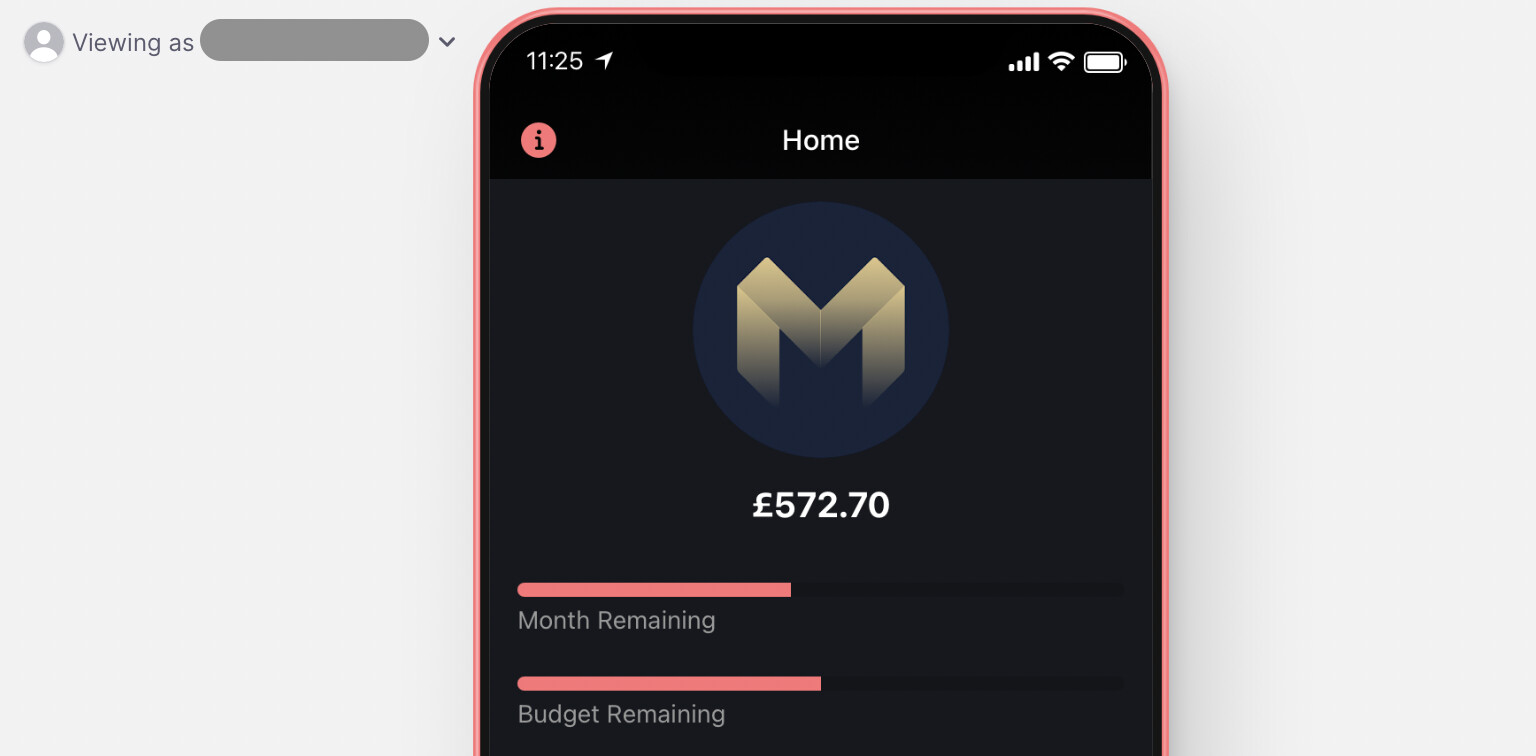
I’ve just updated the app to add Month Remaining and Budget Remaining progress bars to the homepage - I was missing this feature from the Monzo app. It’s not quite as compact / good looking as Monzo’s design of course but it does the job.
Since this feature’s based on Excel formulas, you can customise it to suit any income schedule that you need to budget for. So if your budgeting cycle’s not supported by the Monzo app at the moment, now you have an alternative
I’ve also added a guide which explains how you can set up an iOS Shortcut to update non-Monzo account’s balances in the Google Sheet without opening the app, via Siri.
Lastly I’ve explained how to add a number entry component to the Pots’ pages to update those account balances from inside the app.
Unfortunately I can’t ‘push’ these updates to you if you’ve already created a copy of the app. But each of those features will take less than 5 minutes to set up.